
 thinkfilm
Premiere Pro, After Effects, CapCut and Blender. In one.
A full video studio in your browser. Cut like Premiere, animate like After Effects, move as fast as CapCut, and drop real 3D scenes in beside your footage. Everything sits on the same timeline, so nothing ever leaves the edit.
Sign in with your thinkjoin account. New here? Create one in a minute.
Four apps, one timeline
Everything you'd open four apps for. In one edit.
No exporting from one program to bring into another. The cut, the motion, the 3D and the captions all live in the same film, and you change any of them at any time.
Cut in Premiere → animate in After Effects → build the 3D in Blender and render it → captions and quick versions in CapCut → export, import, repeat.
One timeline. The footage, the compositions, the 3D scenes, the titles, the captions and the music, in the same film, changed any time.
The cut
Edit with real editor's tools.
Ripple, roll, slip and slide, the razor, In and Out, markers and keyframes, with Premiere's own keyboard shortcuts. Send it to Steve and he rebuilds it in real Premiere.
- Ripple · Roll
- Slip · Slide
- Premiere keys
- ProRes 422 HQ
The motion
Compositions right on the timeline.
A composition sits in your film as a clip, layers and all. Keyframes with easy ease, blend modes, and titles that follow a spot in the shot or tuck in behind a person.
- Compositions
- Easy ease
- Track a spot
- Behind the subject
The speed
One press, done.
Captions written from the speech, background removal, speed ramps, Reels-ready shapes and a phone editor built for thumbs. CapCut's shortcuts too, if that's what your hands know.
- Auto captions
- Remove background
- Speed curves
- CapCut keys
The 3D
Real 3D scenes beside your footage.
Put a 3D scene on the timeline, choose the camera move, orbit, push in or hero, and it renders in Blender as part of your film.
- 3D scenes
- Orbit · Push in · Hero
- Angle · Height · Lens
3D and motion, in the edit
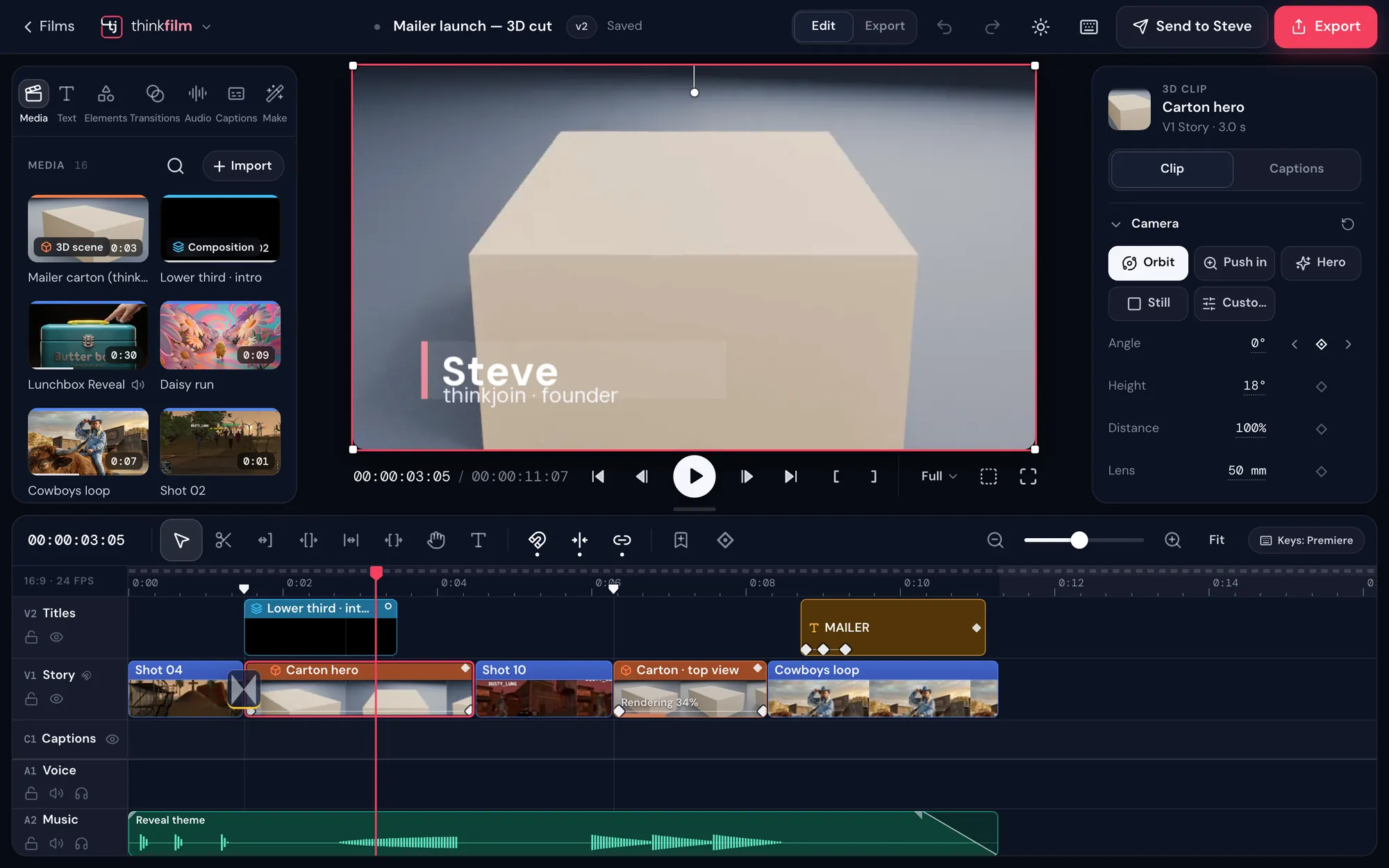
A 3D render, a motion title and your footage. One picture.
Here a carton rendered in 3D plays under an animated lower third, between two shots of real footage, with titles, captions and music on the tracks around it. Select the composition and its layers are right there.
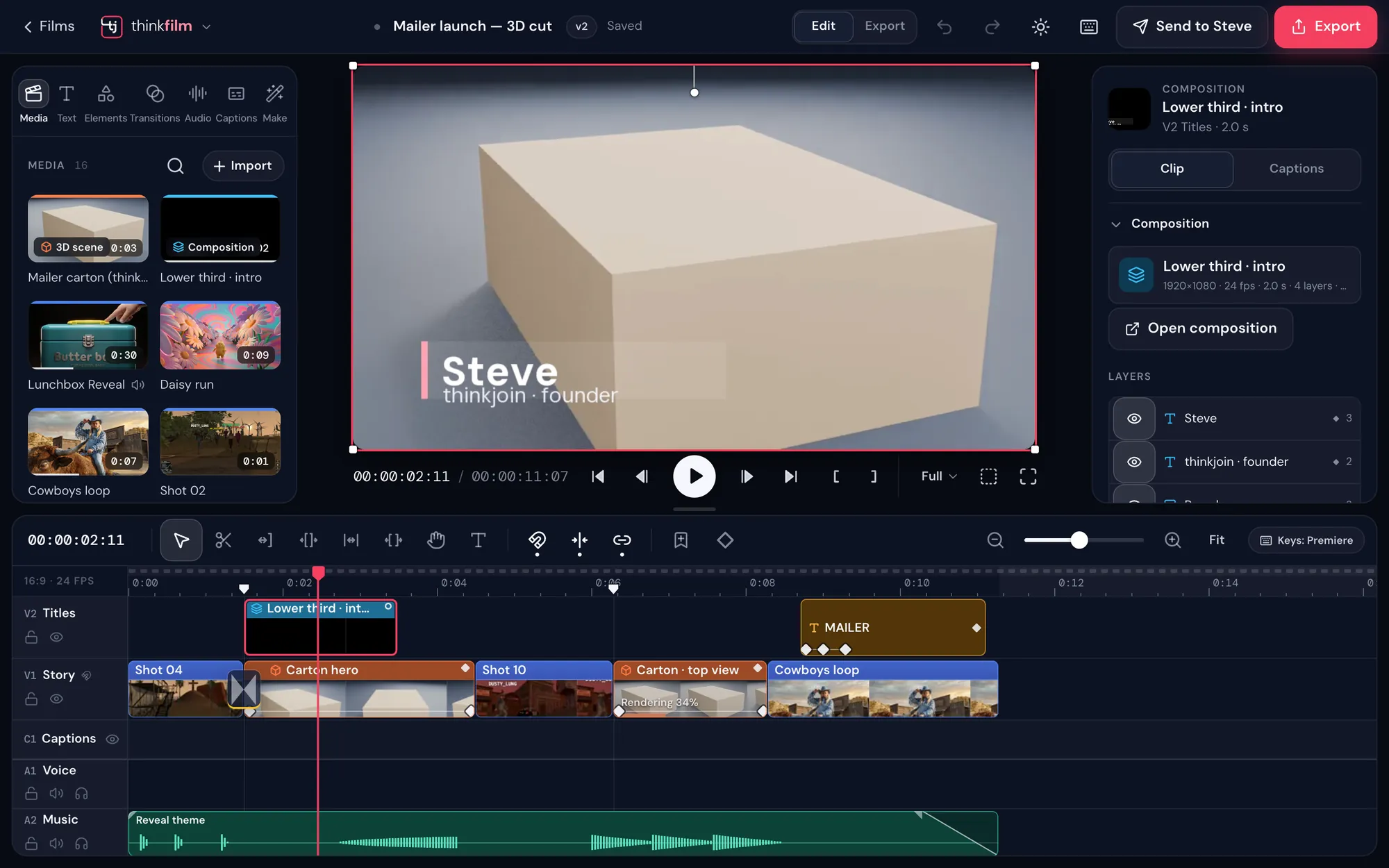
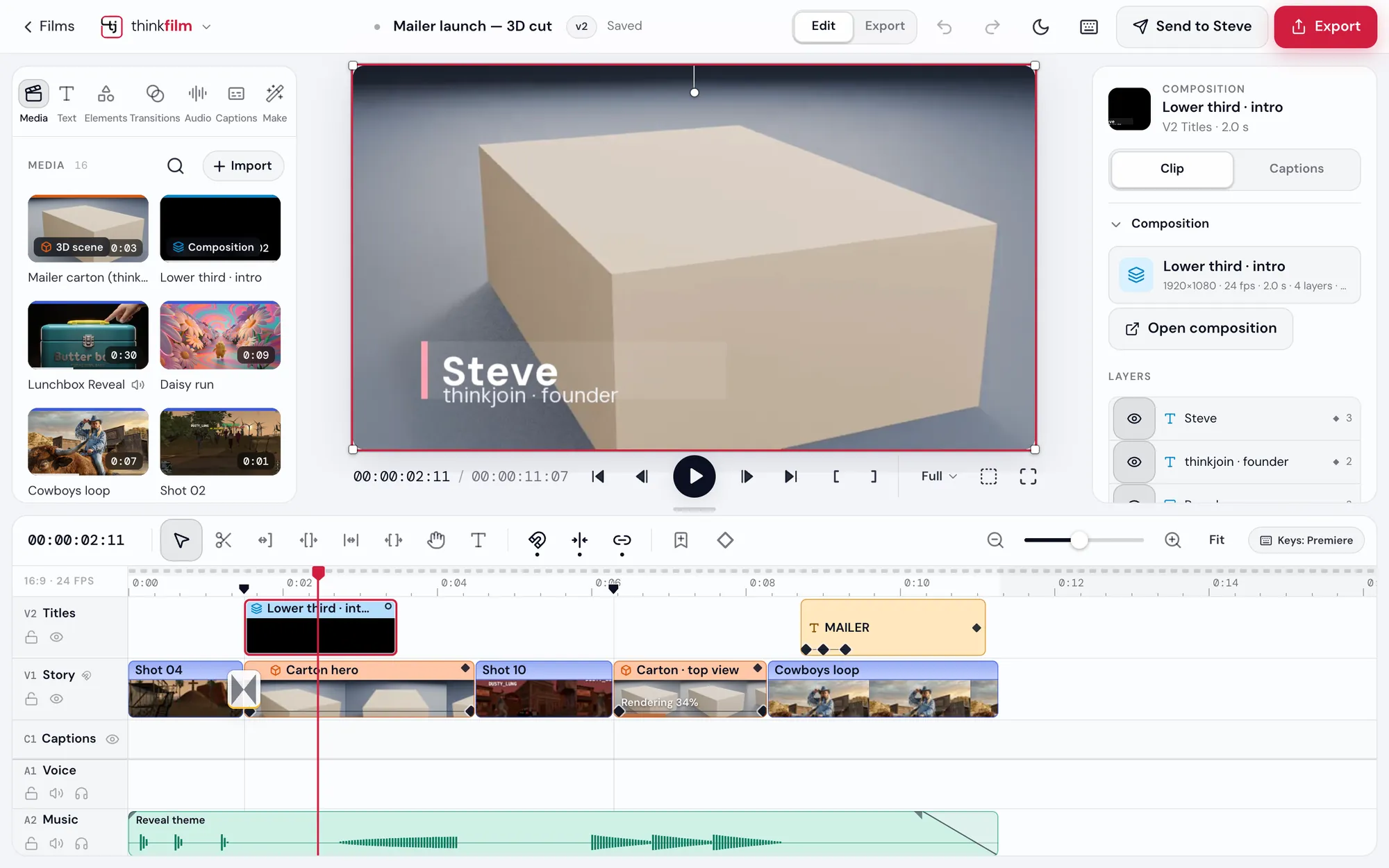
The 3D carton, the lower third and the footage are separate clips on one timeline. Change any one and the film follows.
Make
Need a shot you don't have? Say it.
Describe the shot in a few words. thinkfilm makes one frame for you to approve first, then turns it into the clip, so it's right before it moves.
- Say itAny way you like, in a few words.
- Approve the frameOne still first, so the look is right.
- Get the clipIt lands in your Media bin, ready to drop on the timeline.
- Or bring a pictureStart from a picture of your own instead.
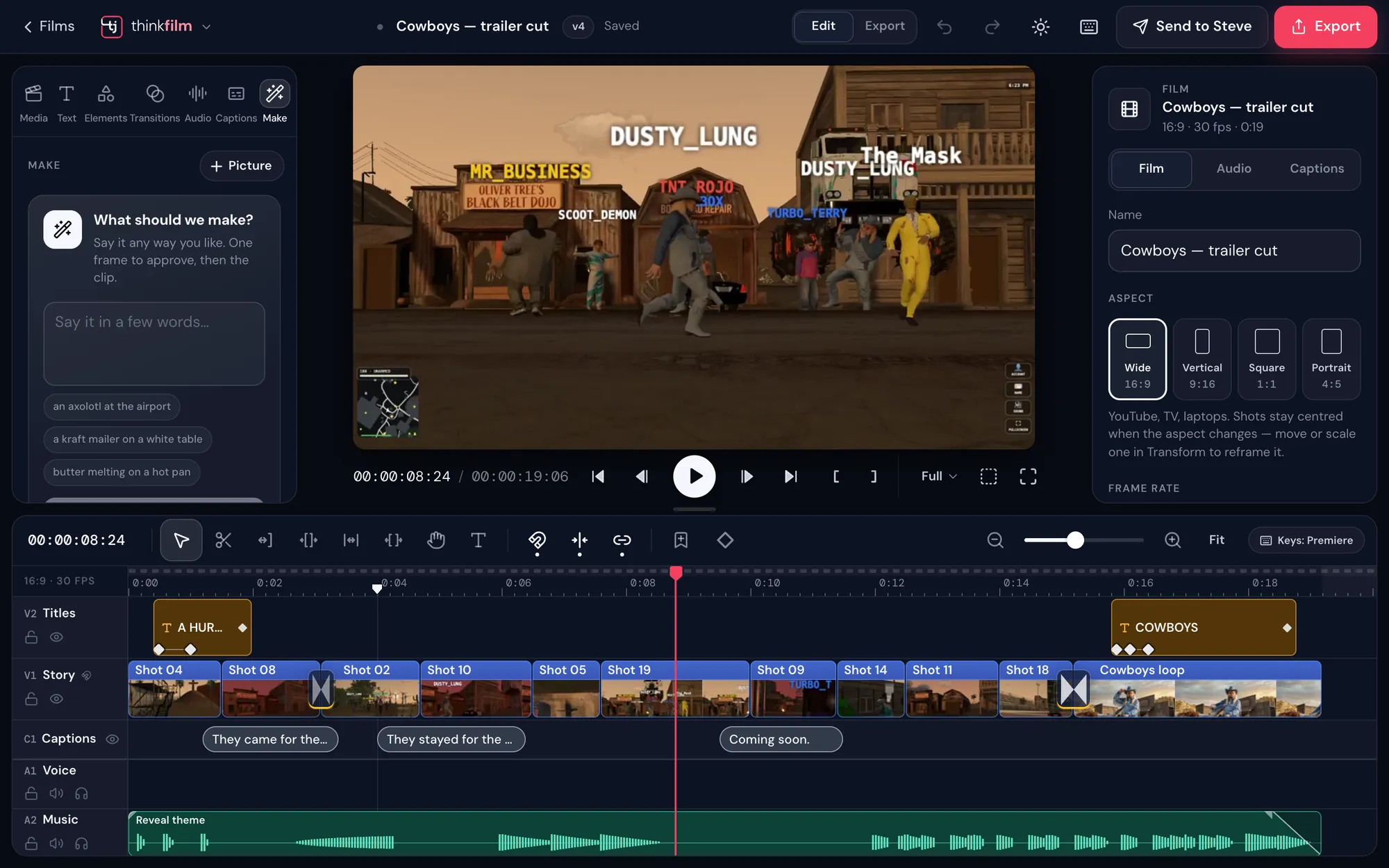
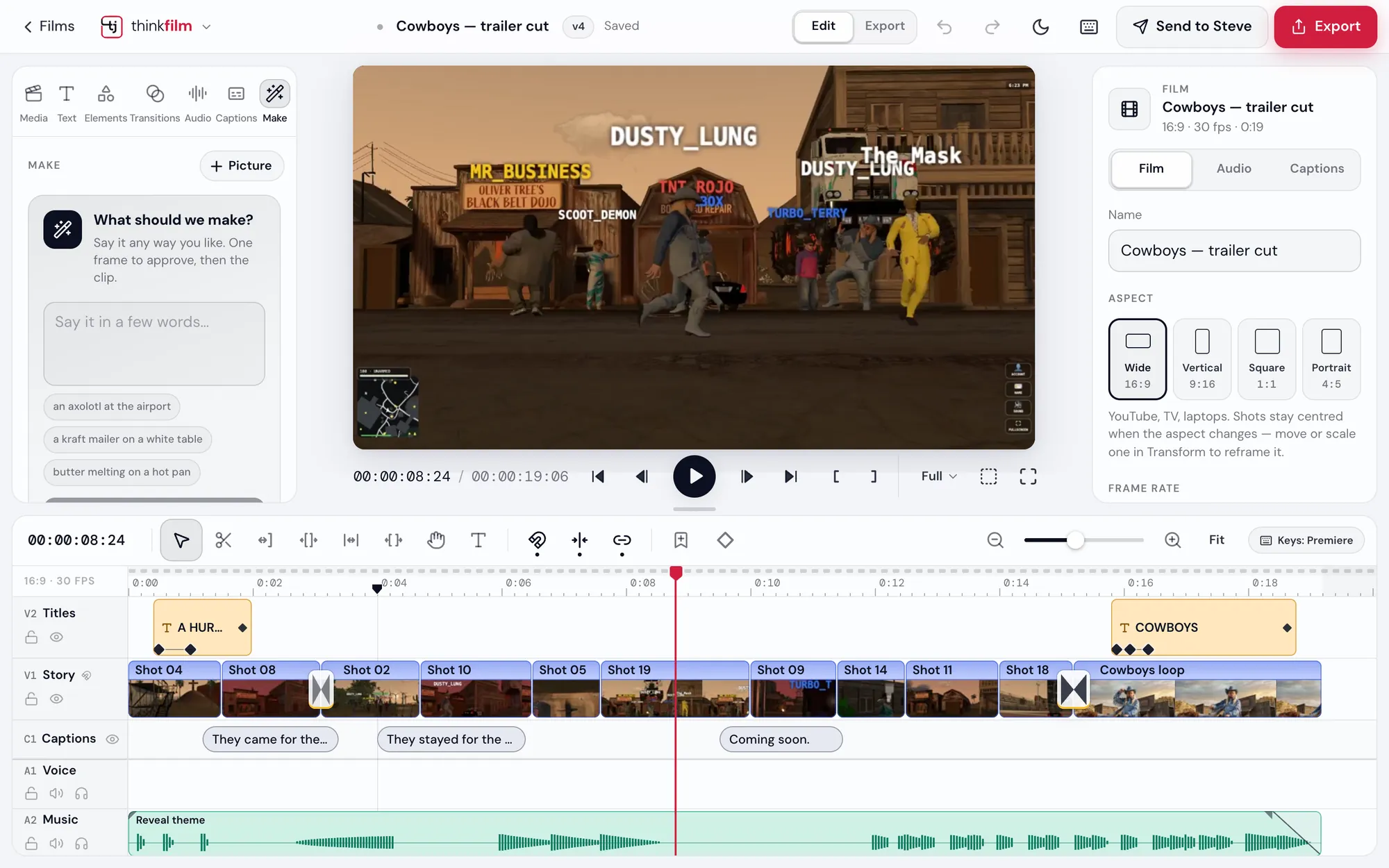
One press does it
The hard parts, done for you.
Each tool makes a new version of the clip and keeps your original, and you keep editing while it works.
Cut out and remove
Take away a background, key a green screen, tap exactly what stays, or remove something from the shot.
Clean up the picture
Steady a shaky shot, take out grain and flicker, sharpen it up, or make smooth slow motion.
Sound
Clean up a voice, even out every line, or split voice and music onto their own tracks.
Captions, any language
It listens to your film and writes every line, timed to the words. Pick a look, fix a word, done.
Fix the whole film at once
Split at scene changes, cut to the beat, dissolve where time jumps, match colour, or reframe every shot for vertical. You see what would change first.
Light, weather, particles
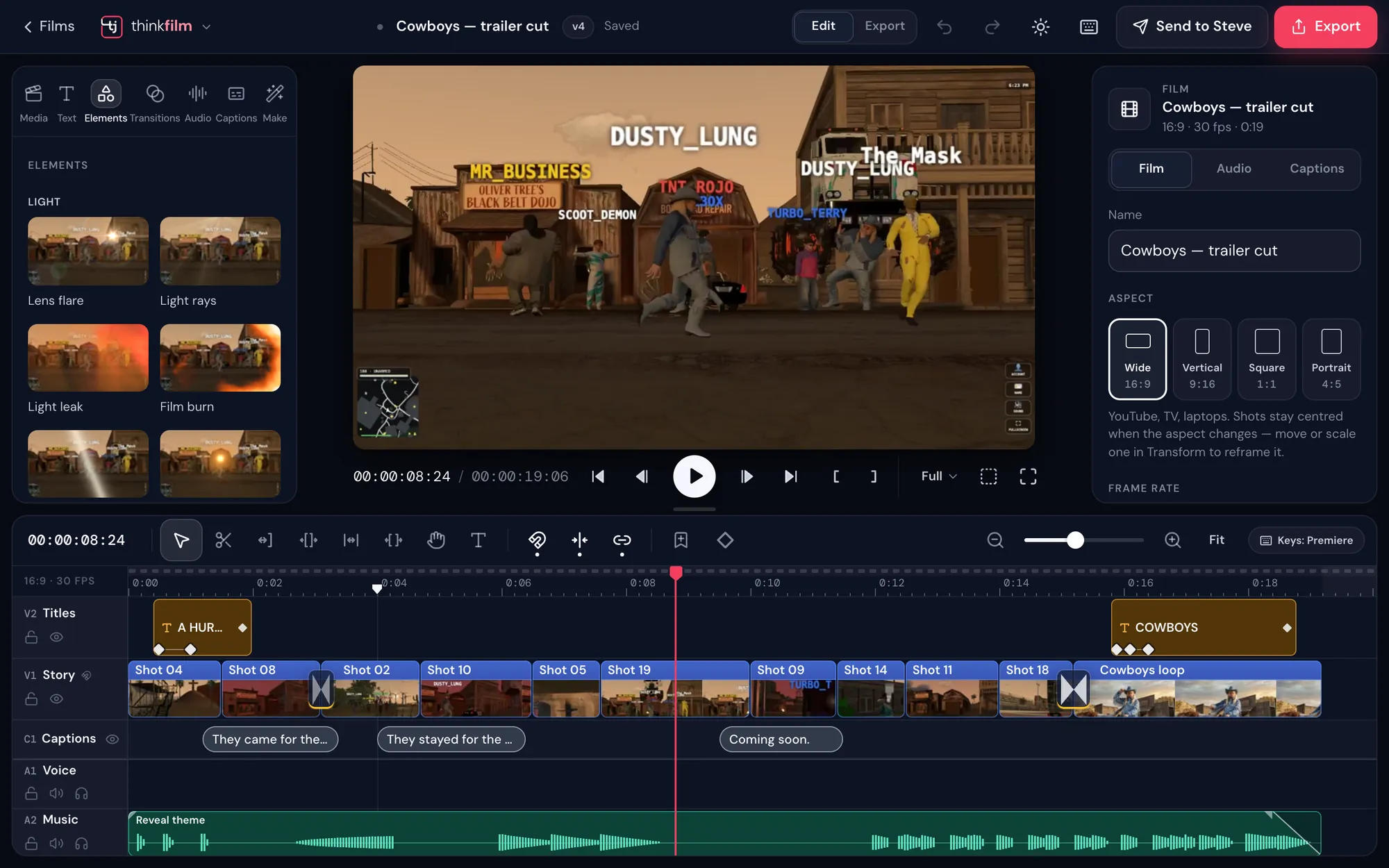
Lens flares, rain, confetti, fire and smoke, plus shapes and adjustment layers, laid over your film with a click.
Your hands already know it
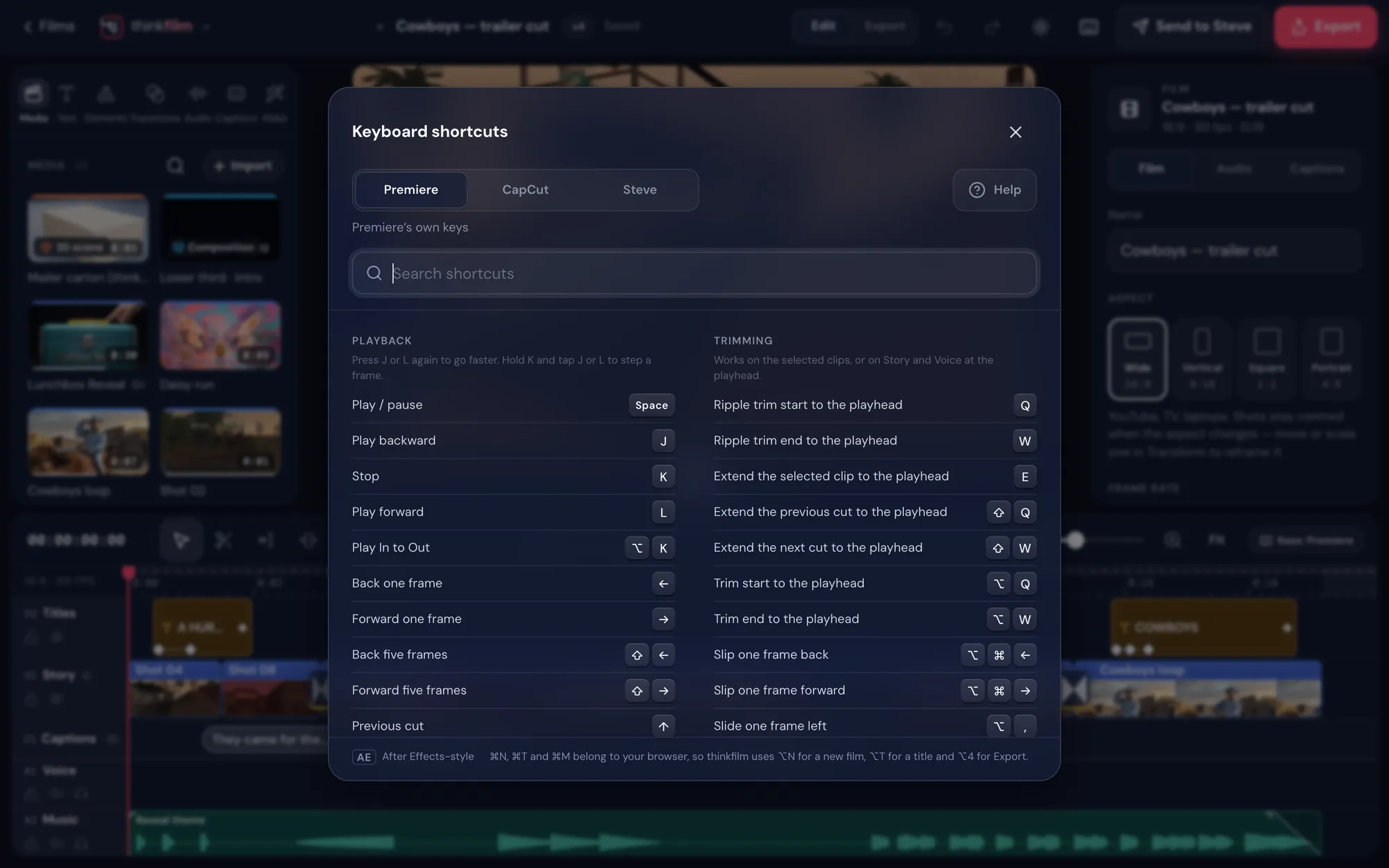
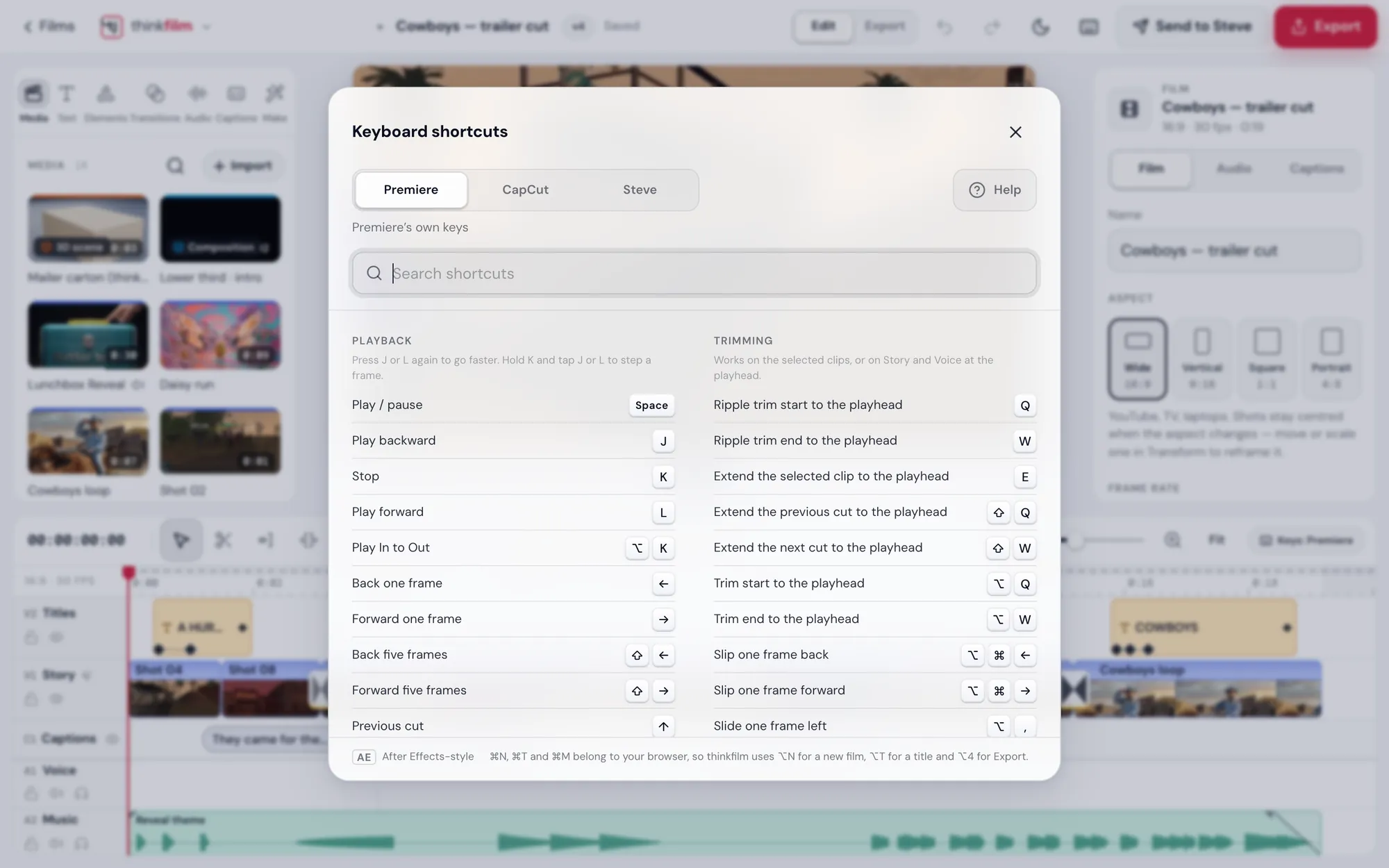
Premiere keys. CapCut keys. Your pick.
Choose the shortcut set you grew up on and every key does what you expect: J K L to play, Q and W to trim, the razor where it always is.
- PremierePremiere's own keys, every one.
- CapCutCapCut's keys, for quick social edits.
- StevePremiere's keys with a few of Steve's own, like E to split.
Finish
Export anywhere. Or hand it to Steve.
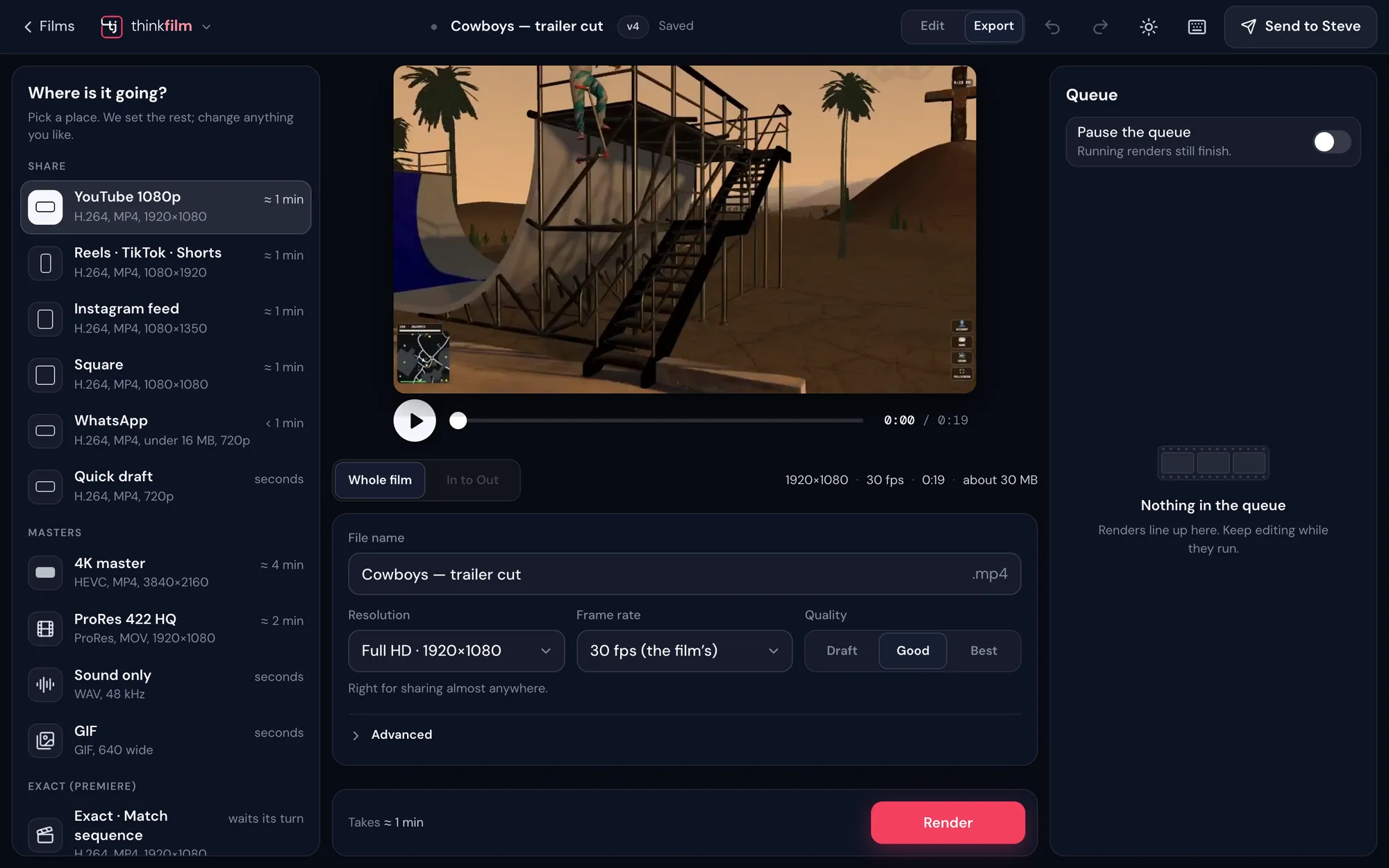
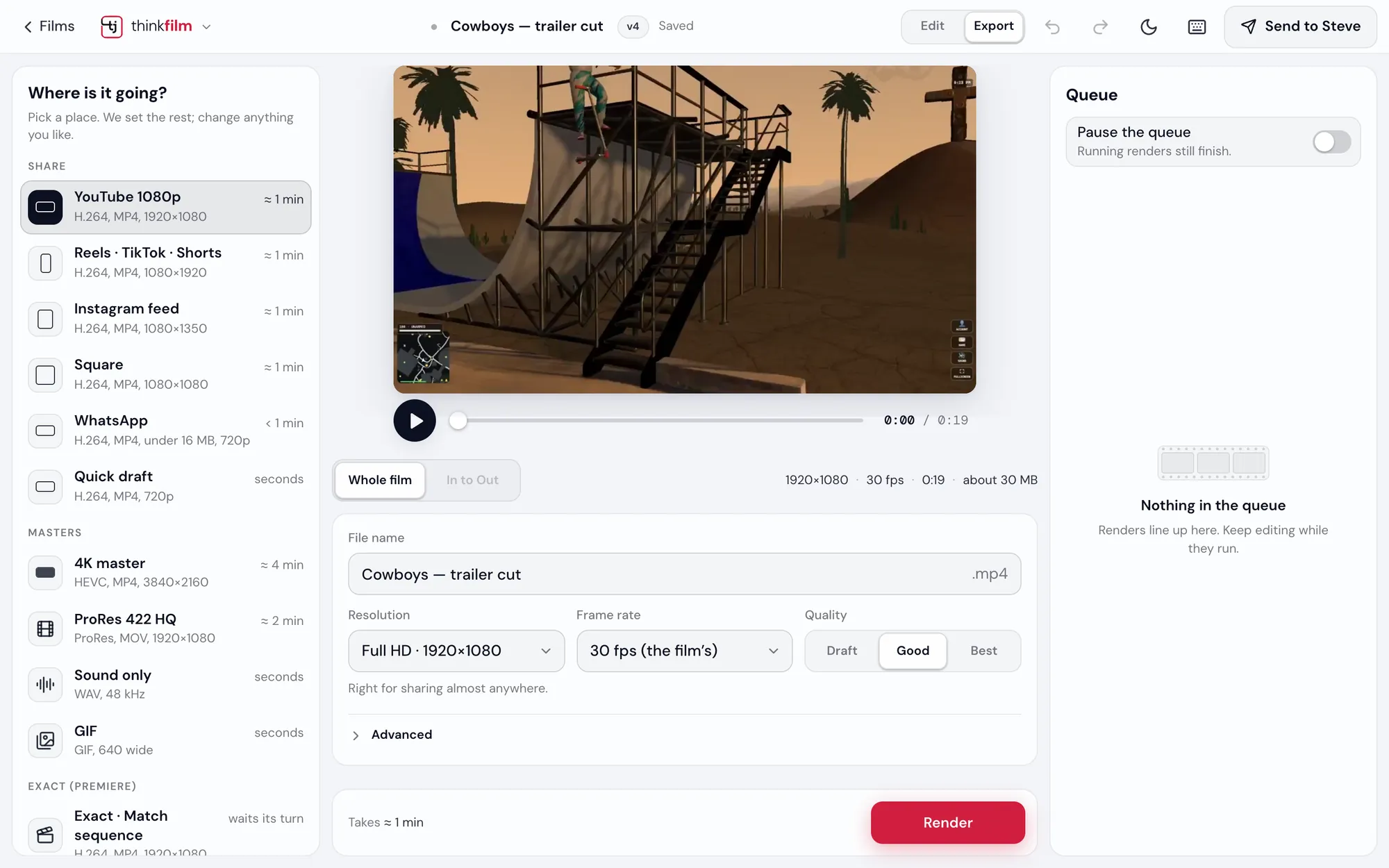
Pick where it's going and thinkfilm sets the rest: YouTube, Reels, TikTok and Shorts, Instagram, WhatsApp, a 4K master, ProRes 422 HQ, sound only, or a GIF. Then it checks the export for stutters, freezes and black frames.
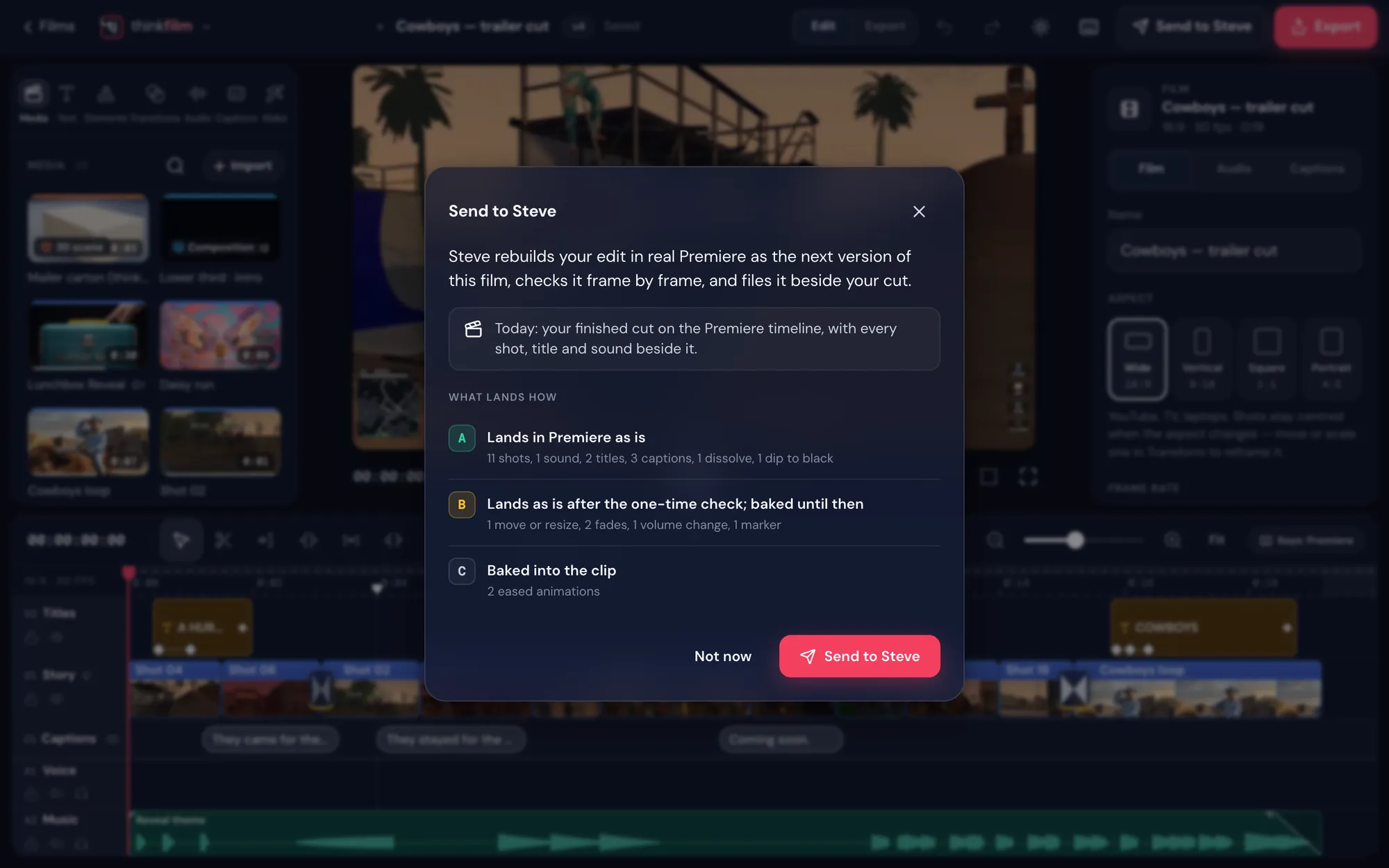
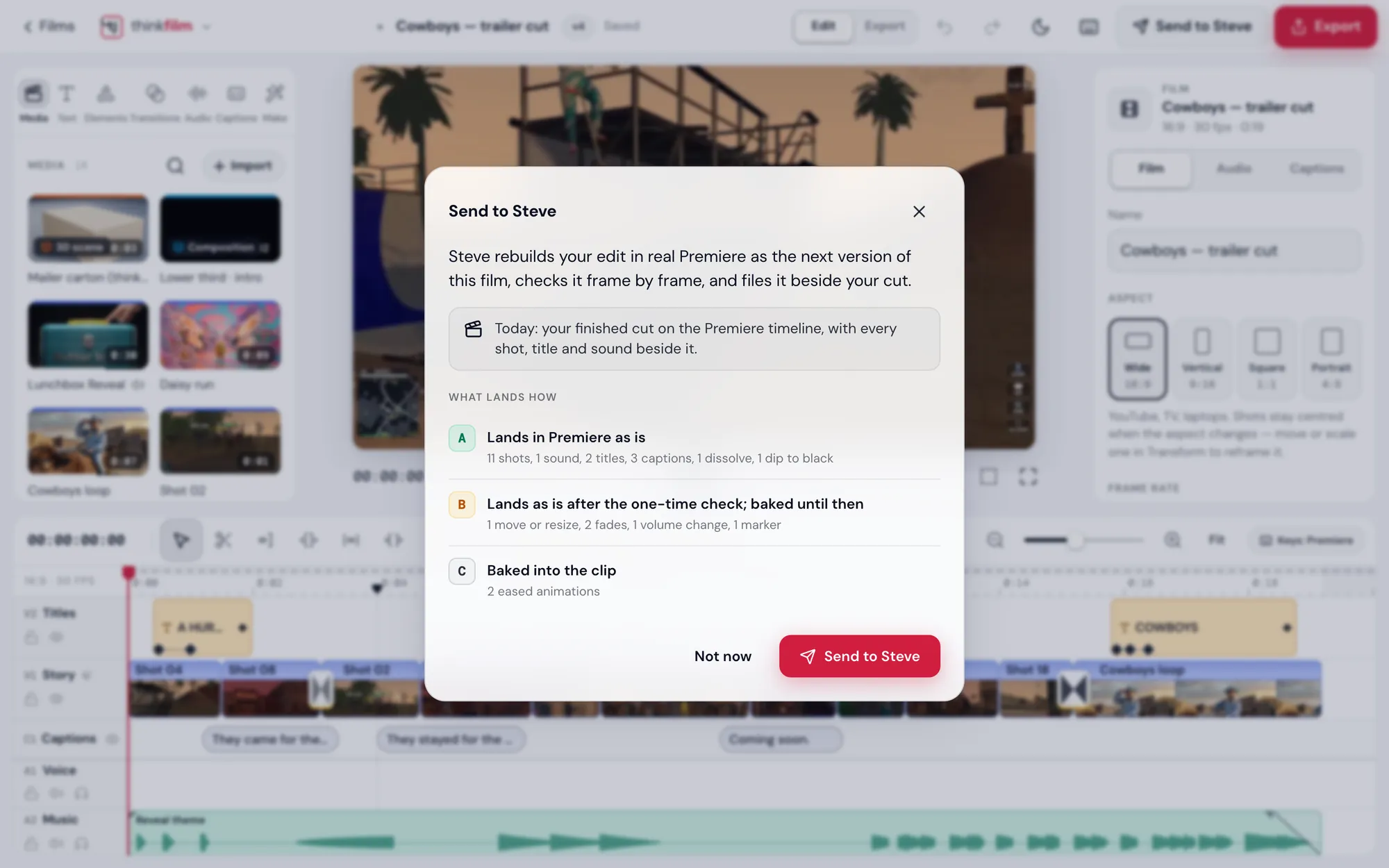
Send to Steve, and he rebuilds your edit in real Premiere as the next version of the film, checks it frame by frame, and files it beside your cut.
On your phone
The same studio, in your pocket.
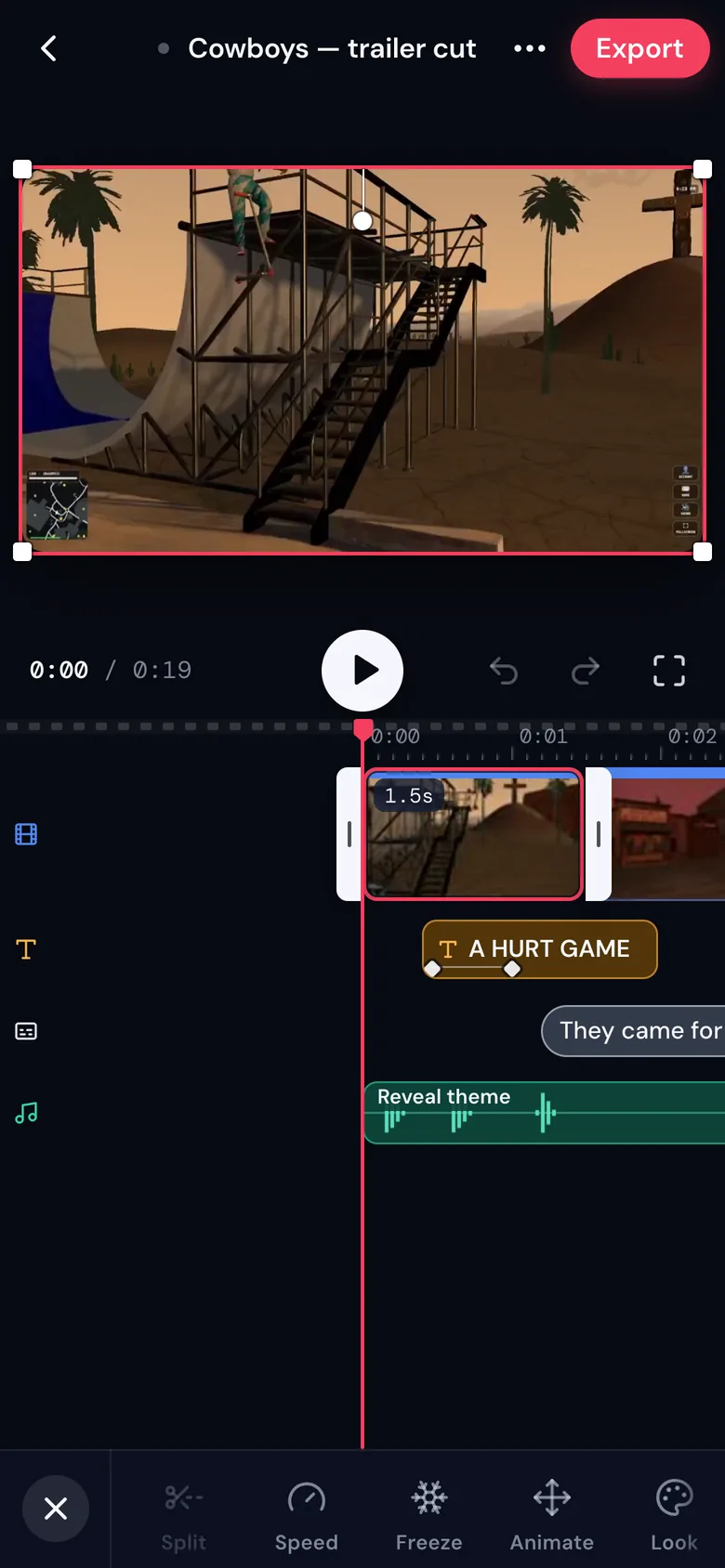
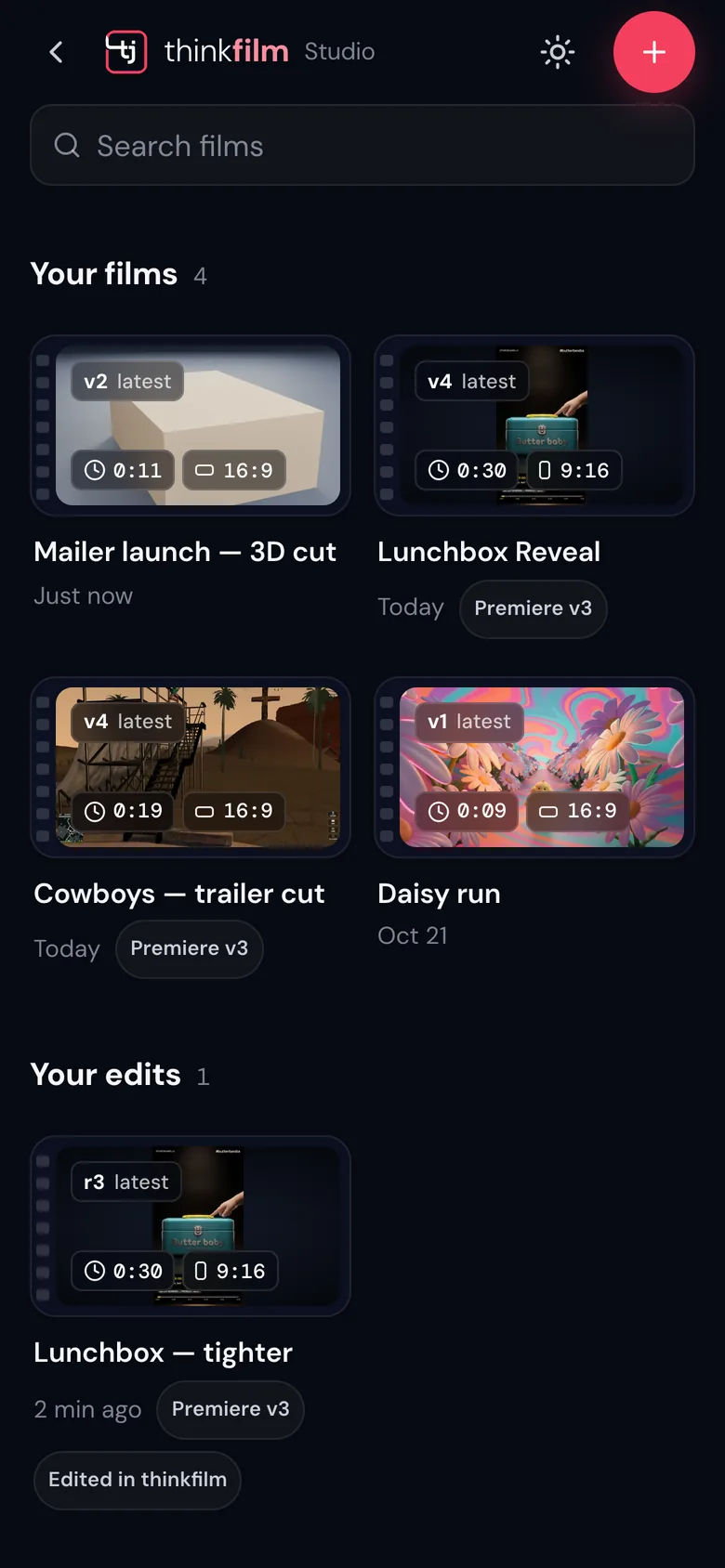
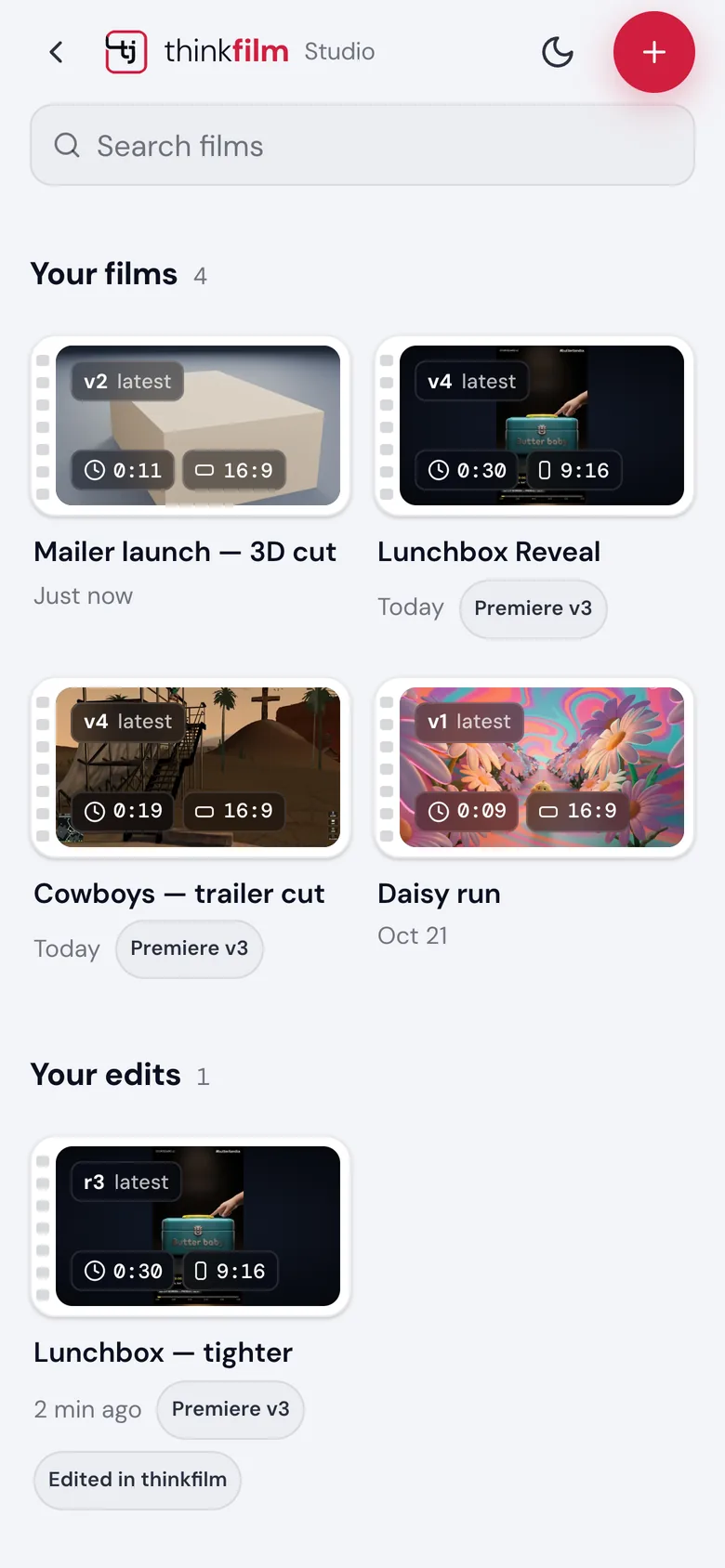
Your films, the timeline and the tools, laid out for thumbs. Split, speed, freeze, animate and look, right under the picture.
Light and dark
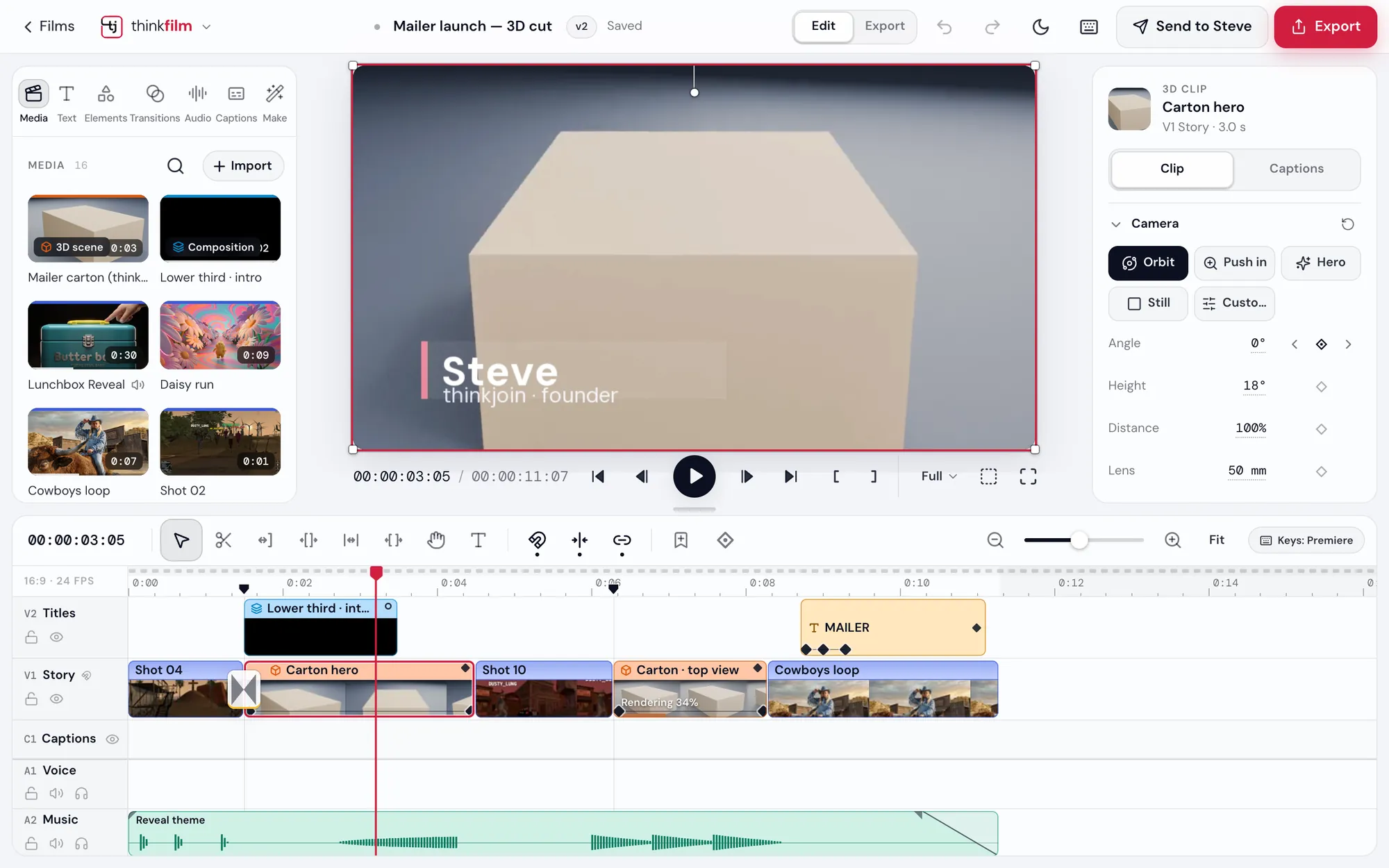
Light or dark. Your call.
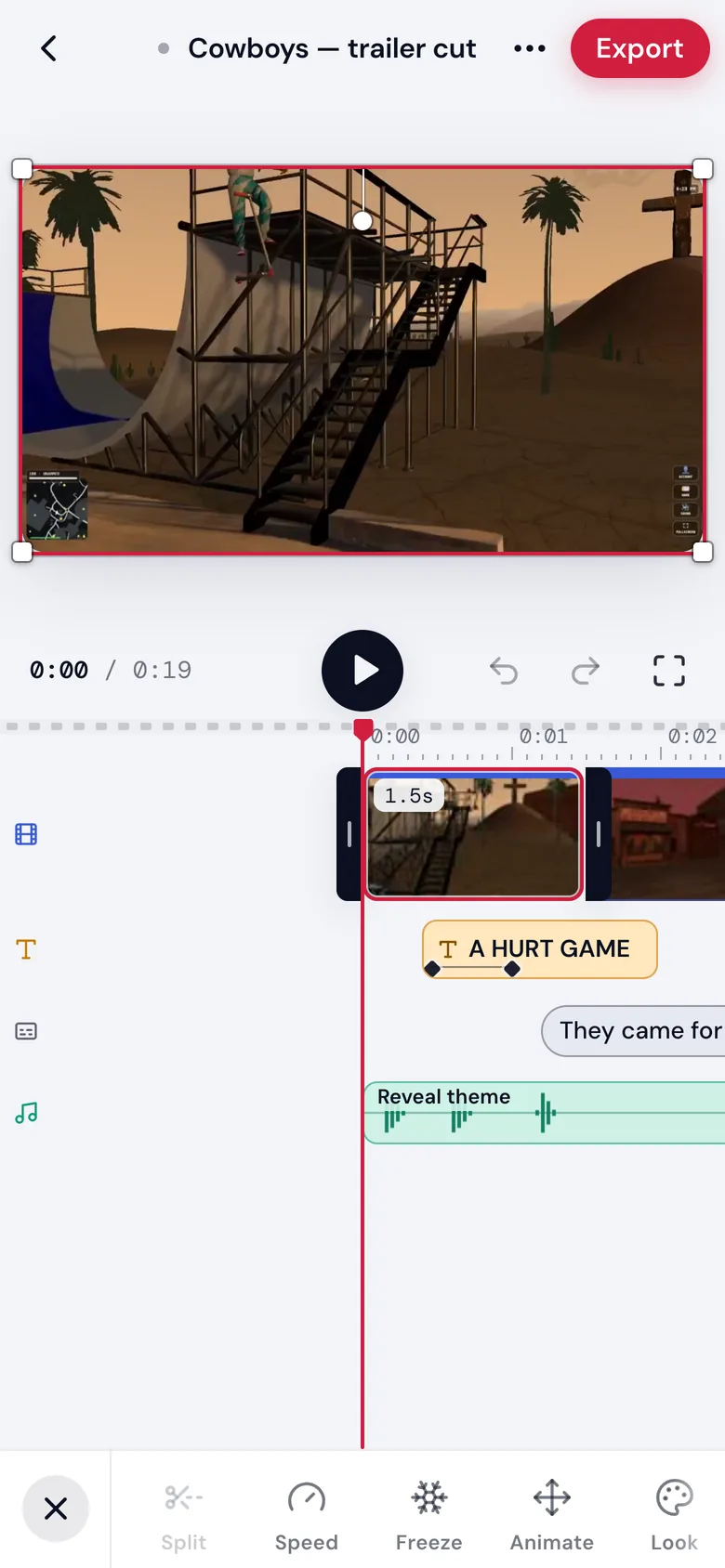
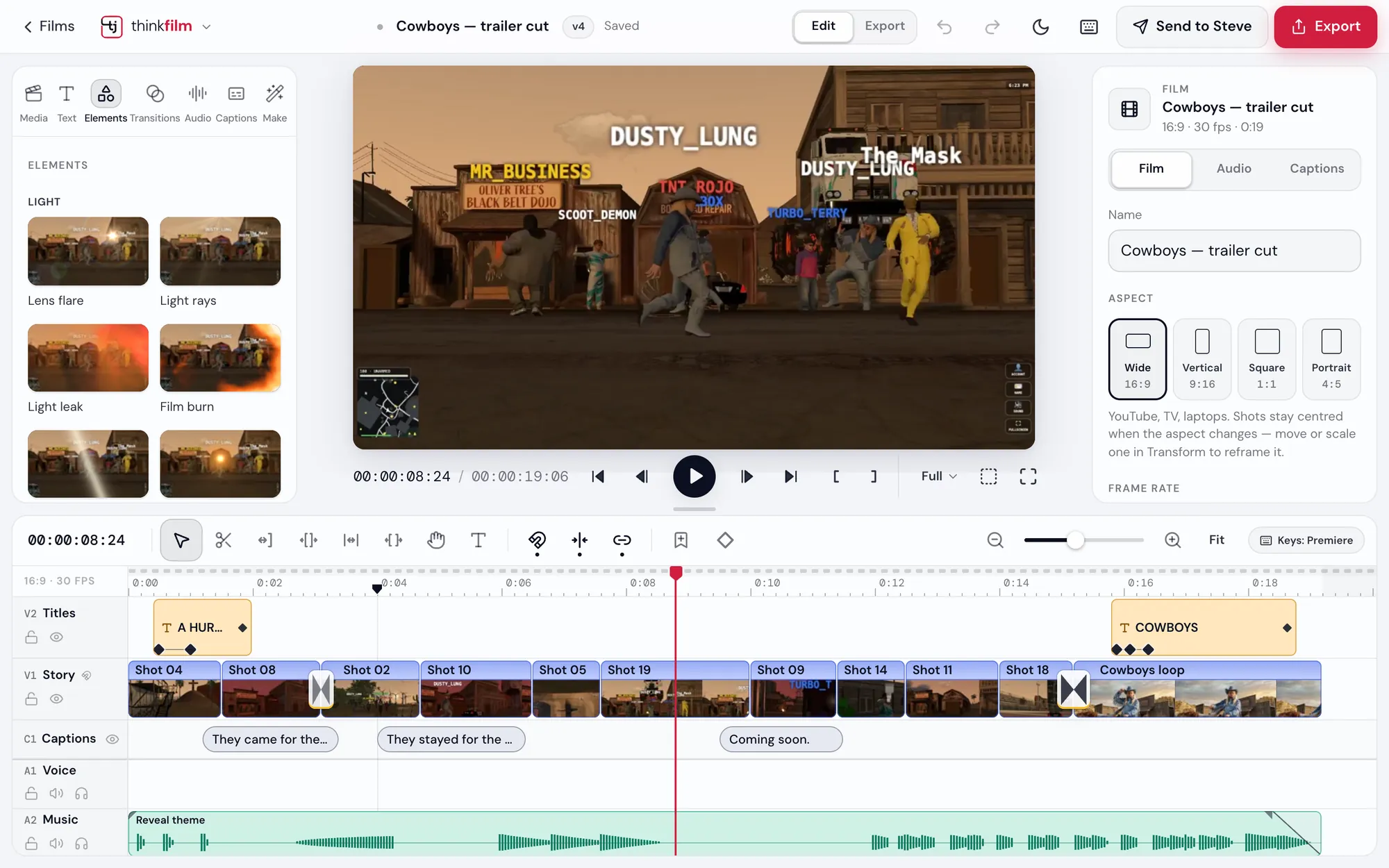
One tap at the top of the studio. Drag across to see both.
DarkLight
Your whole film, on one timeline.
Open thinkfilm with your thinkjoin account, or create one in a minute.